The video editor that never asks for money
A CapCut-style editor with keyframes, captions, colour grading and AI background removal. No paywall, no watermark, no account. Everything runs on your PC.
Free forever. If it saves you a sub, buy me a coffee ☕.
Windows 10/11 · about 185 MB · open source (MIT)
Everything you'd expect, minus the paywall
The "pro" stuff is just included.
Multi-track timeline
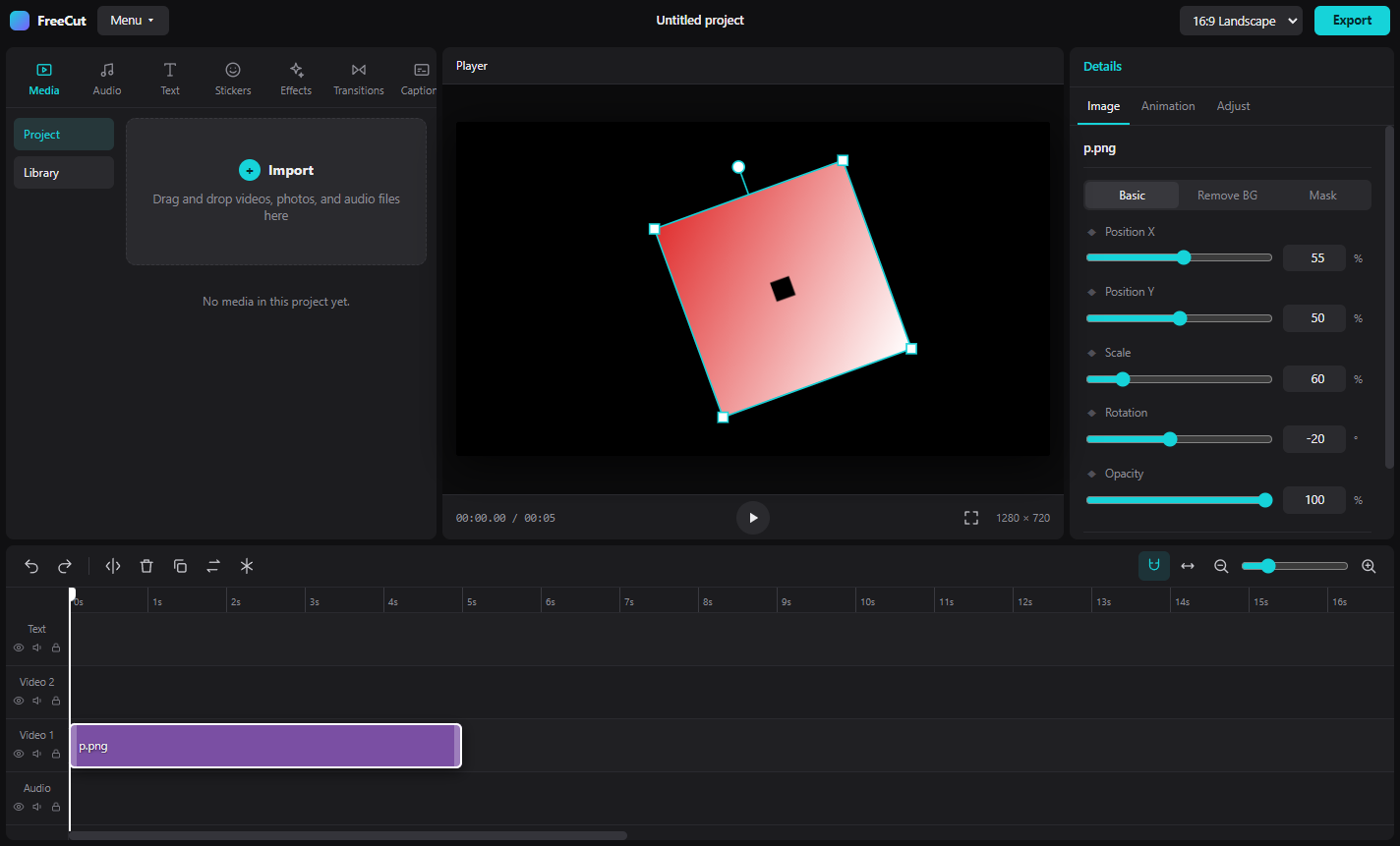
Video, text and audio tracks, snapping, drag-and-drop, split, copy/paste, undo/redo and a right-click menu.
Keyframes and curves
Animate position, scale, rotation and opacity. Speed curves, reverse and freeze frames.
Drag it in the preview
Grab clips right in the player to move, scale and rotate them, with snap-to-centre guides.
Colour grading
Curves, HSL, colour wheels, temperature, tint, highlights and shadows, plus saveable presets.
Text that looks good
Fonts, gradients, glow, outlines, boxes, typewriter and wave animations, and style presets.
Auto captions
Speech-to-text with Whisper, running locally. Styled captions straight onto the timeline.
AI background removal
Cut people out of photos and video without a green screen. Chroma key and masks too.
Transitions and effects
Clip transitions, shake, pulse, glitch, RGB split, stabilise, and blur in several strengths.
Library and projects
A permanent media library for every project, autosave, and reopen any project from the home screen.
Get started in a minute
Questions
Is it really free?
Yes. No paywall, no watermark, no account, no ads. It's open source under the MIT licence.
Why does Windows warn me?
Code-signing certificates cost money, so the installer is unsigned and SmartScreen flags anything it hasn't seen much. The full source is on GitHub if you want to check it or build it yourself.
Does my footage get uploaded anywhere?
No. Editing, captions and background removal all run on your PC. The AI models are downloaded once the first time you use those features.
What are the limits?
Export runs in real time, so a 5 minute video takes about 5 minutes. The best-quality AI background removal is slow on CPU. There's no cloud content or CapCut project import.